GemPages Page Builder + Flair
Jan 06, 2023
On this page

GemPages
View on the Shopify App Store
Instructions
-
Open the GemPages app and edit the page or theme section where you want to add Flair.
-
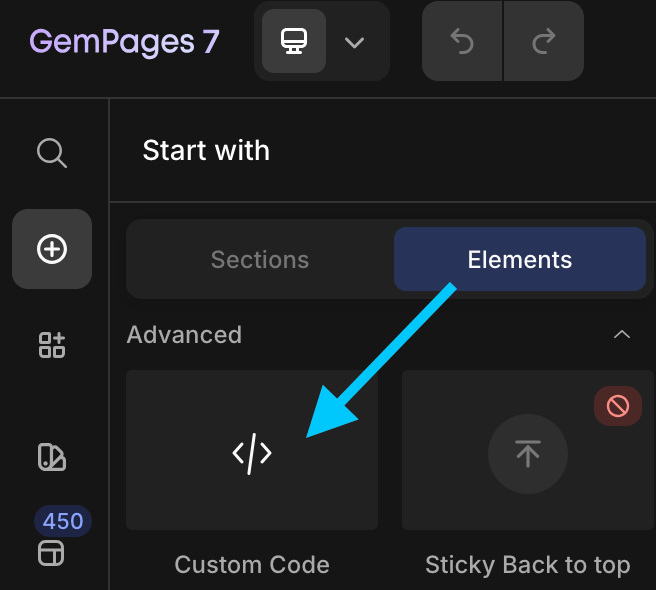
Select and drag the Elements > Advanced > Custom Code element where you'd like to add Flair on the page:
-
Click Edit code and enter the desired Flair badge code or Flair banner code.
-
Click Save and then Publish to publish the changes.
Flair badge code
Flair Gen 3
<flair-badges product-id="{{ product.id }}"></flair-badges>Flair Gen 2
<div data-flair-product-badge data-product-id="{{ product.id }}"></div>Flair banner code
Flair Gen 3
<flair-banners></flair-banners>Flair Gen 2
<div data-flair-banner></div>