
Flexible Promotion Layouts
Stack, Group, and Control Multiple Promotions Without Clutter
Display multiple Flair badges, banners, and countdown timers on the same Shopify product or page using clean, customizable layouts. Set priority, orientation, and grouping rules so every promotion appears exactly where, when, and how you want.
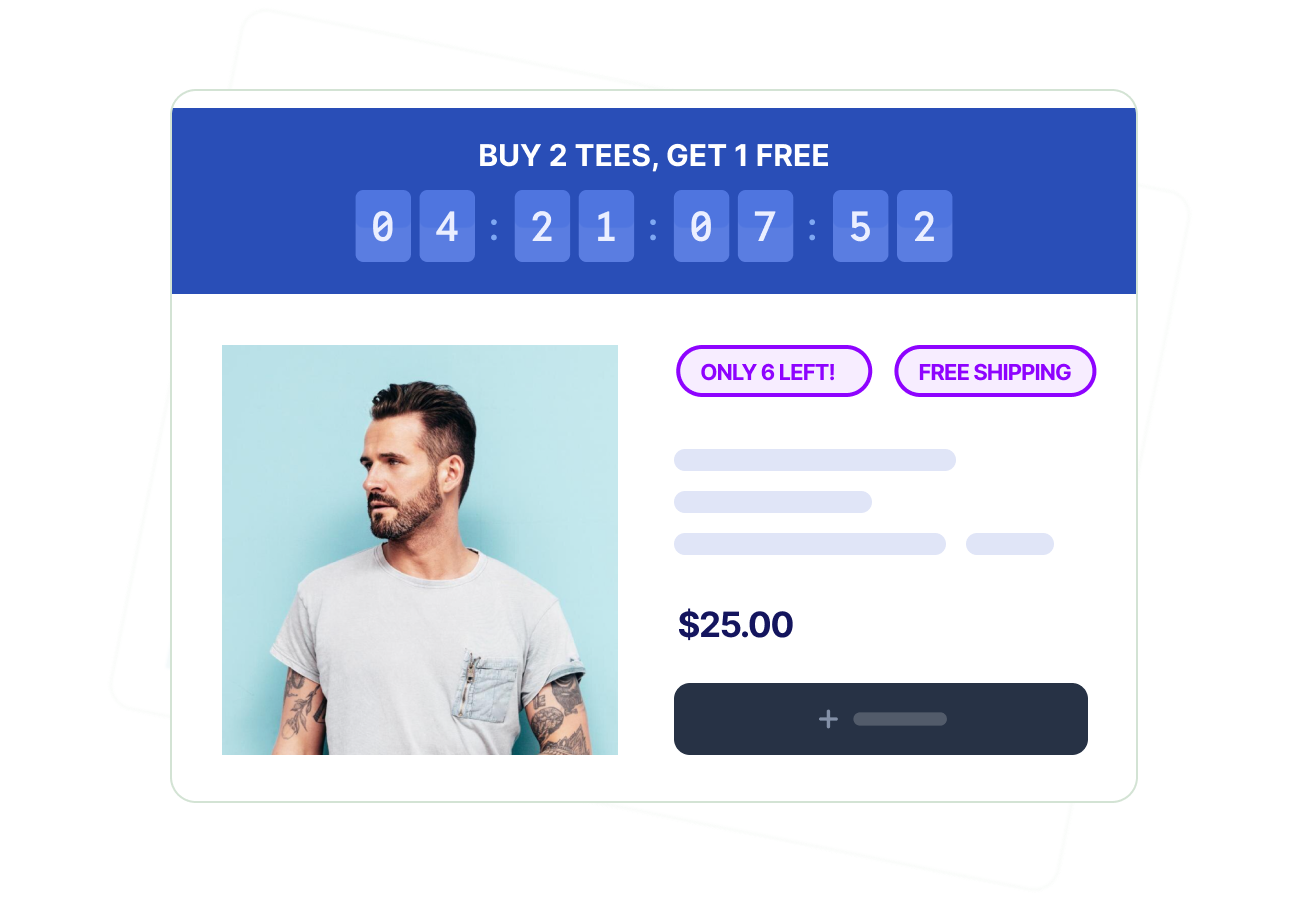
Flair is an all-in-one conversion and promotion platform built for Shopify. Because product badges, sale banners, countdown timers, and targeted promotions all run from one dashboard, you can stack multiple offers on a single product or page with shared priority, layout, and grouping controls, instead of patching together separate apps.
Coordinate Multiple Promotions Without Conflict
Display and prioritize multiple campaigns together so each one stays visible without crowding the page.
Run Multiple Promotions at Once
Show several Flair badges, banners, or timers on the same Shopify product or collection without visual overlap.
Flexible Placement Across Your Store
Position promotions on product images, below titles, inside collection grids, or as header banners. Each promotion has its own placement.
Set Priority and Display Limits
Decide which promotion appears first and cap how many display at one time, so a featured sale always beats a generic best-seller badge.
Works With Any Theme and Device
Stacked promotions render cleanly on desktop and mobile across every Shopify theme, including Online Store 2.0 and legacy themes.
Run Multiple Promotions at Once
Layer multiple Flair promotions on the same Shopify product or section without visual clutter.
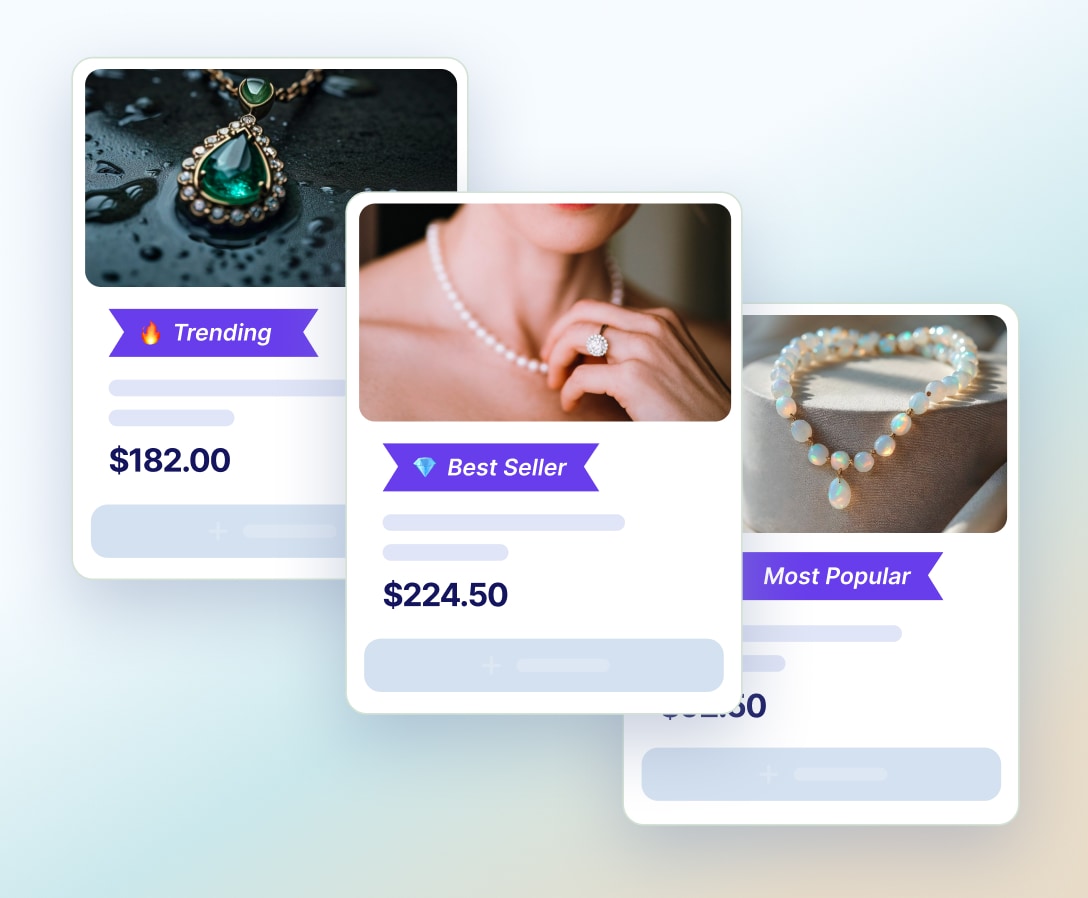
- Combine badges like "Sale", "Best Seller", and "Only 3 Left" on a single product card
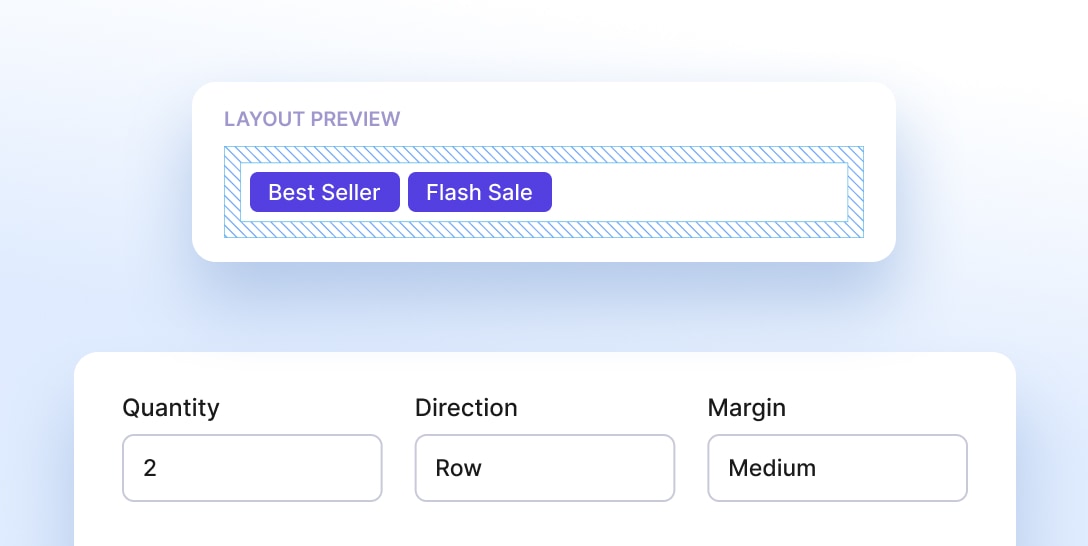
- Arrange promotions vertically or horizontally to match your collection grid layout
- Keep multiple messages legible by enforcing spacing and alignment automatically
- Cap the maximum number of promotions per product to prevent badge overload
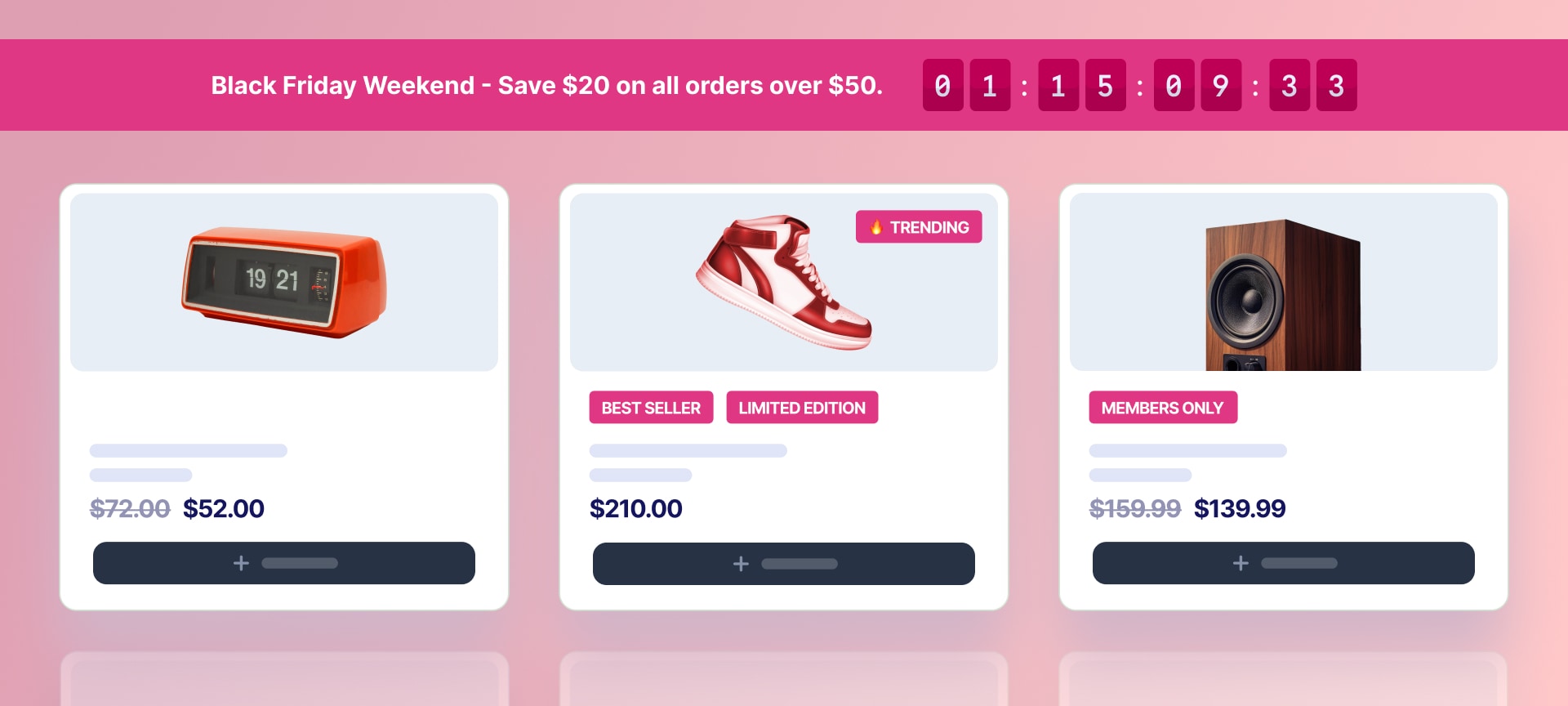
Flexible Placement Across Your Store
Place each Flair promotion where it has the most impact, page by page.
- Show different promotions on product pages, collection pages, the homepage, and cart pages
- Display promotions overlaid on product images, beneath product titles, or inside custom storefront sections
- Mix product badges, sale banners, and countdown timers based on the page context (collection grid versus product detail page, for example)
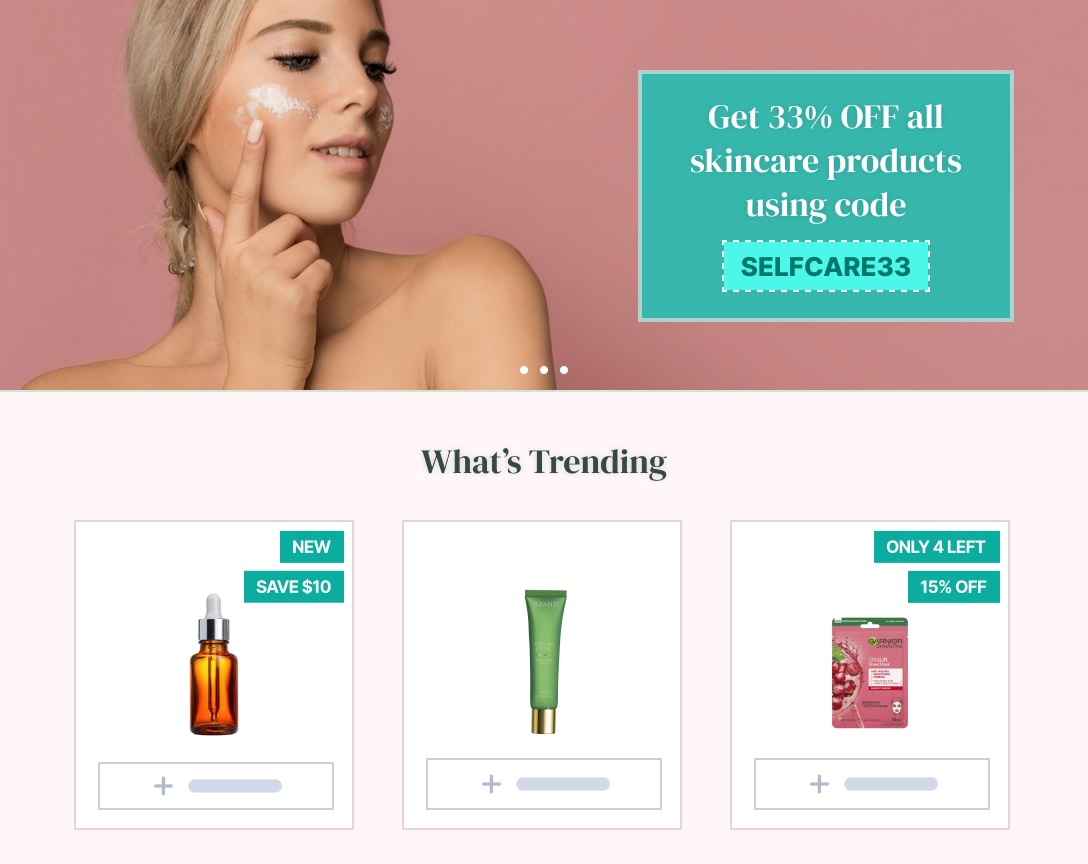
Set Priority and Display Limits
Control which Flair promotions appear, in what order, and how many display at once.
- Assign priority values so the most important campaign always shows first on every product
- Limit the number of badges or banners displayed at a time to keep collection grids clean
- Ensure higher-priority campaigns (e.g. BFCM sale) override evergreen promotions (e.g. "Best Seller") automatically
Works With Any Theme and Device
Stacked Flair promotions render cleanly across desktop and mobile on every Shopify theme.
- Fully responsive layouts on desktop, tablet, and mobile devices
- Compatible with every Shopify theme, including Online Store 2.0 themes and older legacy themes
- No coding required, with full control over placement, spacing, and styling from inside the Shopify admin
Ways to Use Multiple Promotions
Run several Shopify campaigns at once without overwhelming the page, by stacking complementary promotions.
Scarcity and Urgency
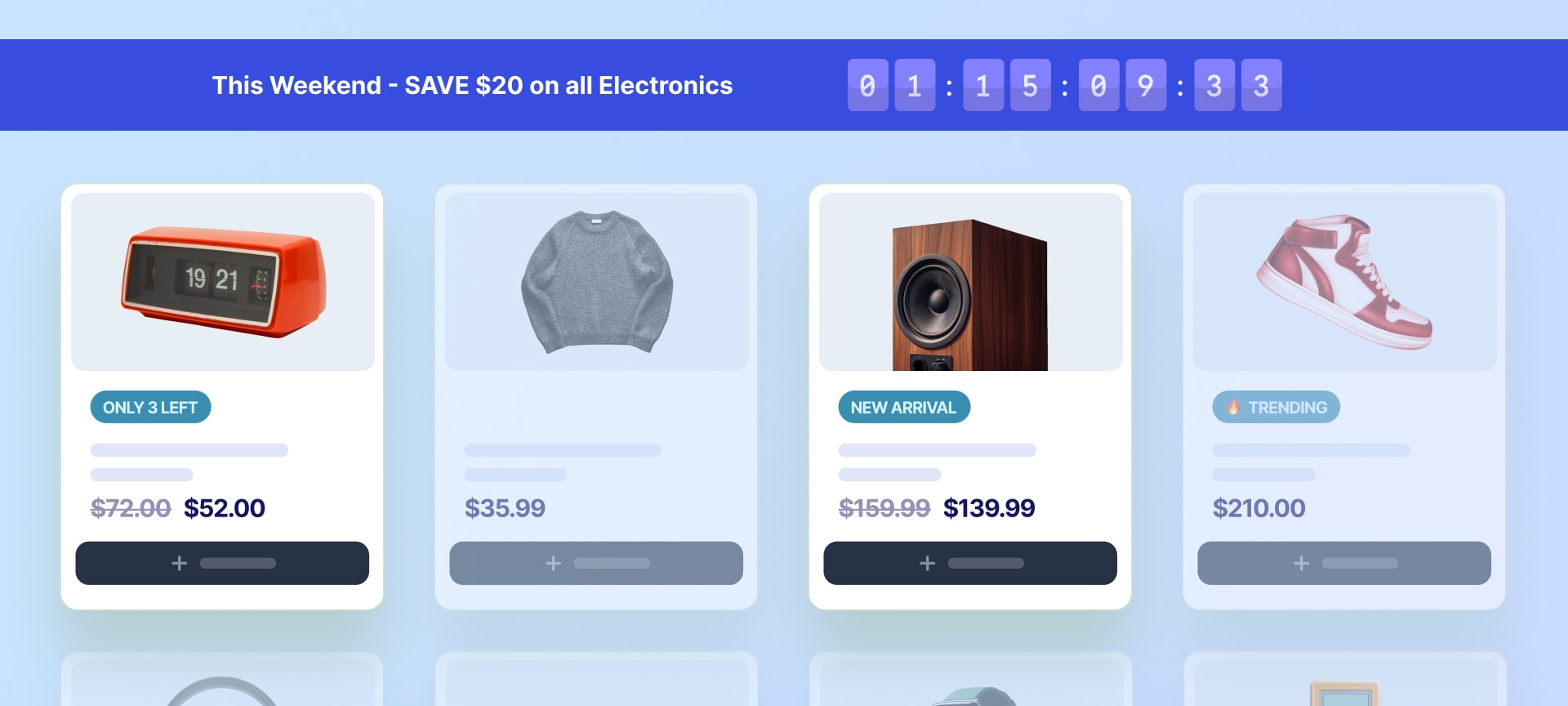
Stack low-stock badges, countdown timers, and best-seller signals to drive faster purchase decisions.
Discounts and Special Offers
Layer sale badges, sale banners, and countdown timers to reinforce both the discount and the deadline.
Cart and Variant Promotions
Display promotions that change based on cart contents, variant selection, and order value to lift average order value.
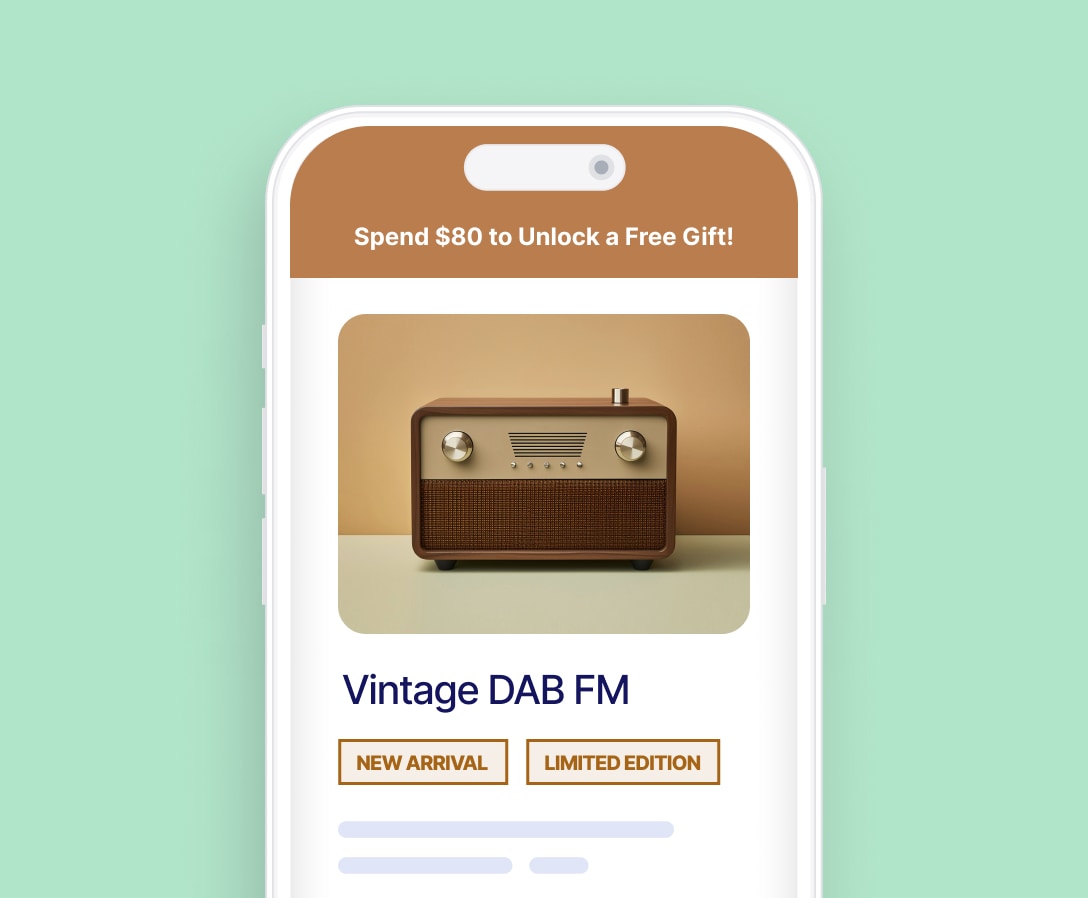
Product Launches and Restocks
Combine 'New Arrival', 'Back in Stock', and 'Only a Few Left' signals to maximize launch momentum.
Explore More of Flair
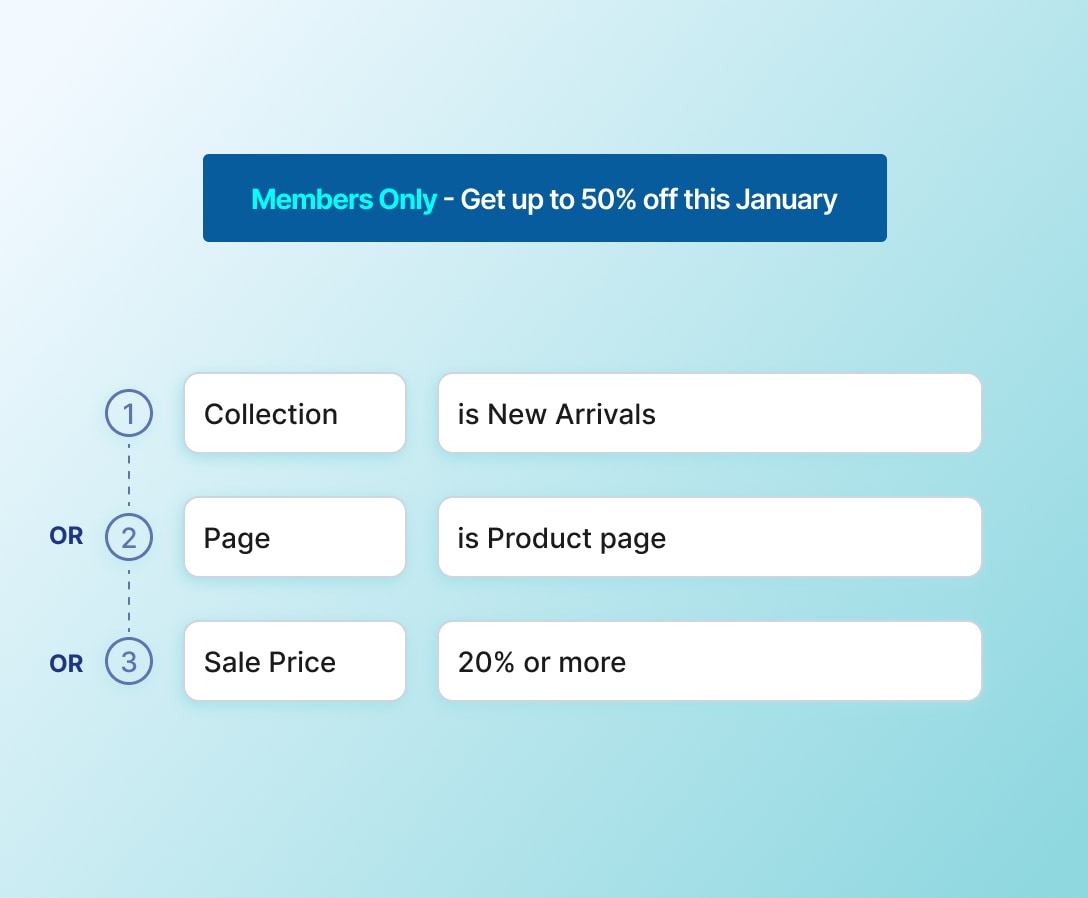
Multiple-promotion controls work hand-in-hand with the rest of Flair's suite. Combine badges, banners, and targeting rules for clean, high-impact campaigns.
Real Results from Real Stores
Shopify merchants use Flair to run multiple promotions in parallel, keeping product grids clean while driving measurable lifts in conversion rate and revenue.

50%
Faster Promo Setup
9
Stores Managed Automatically
How Crosshatch & Duck and Cover Use Flair to Eliminate Discount Confusion and Drive More Sign-Ups
Read Case Study →


12k+
Products Merchandised
Metafield-Driven Dynamic Promotions
How Kamerastore Uses Flair to Elevate Trust, Streamline Merchandising, and Serve 12,000+ Unique Products
Read Case Study →
175%
Sales From New Launches
17%
Total Sales Increase
How Protein Package Boosted Sales by 17% Using Flair's Visual Merchandising Tools
Read Case Study →
Loved by Shopify Merchants
See what store owners are saying about Flair.
"Great app across the whole site — we use it in cart for special offers, on collections for fast-moving alerts, and on product pages for offers."
Jaggad
"Badges have been a game-changing tool for highlighting promotions and new products directly on the images — customers love the visual appeal."
IVF Store
"Flair is a must-have. Helps increase sales with advanced promotions and automatic badges — a total game changer."
Honeydewusa
"Simple app that brings a lot of attention to the exact products you want to move."
Chill Steel Pipes
Trusted by thousands of Shopify merchants worldwide.





Frequently Asked Questions
How does Flair increase my store's conversion rate?
Flair increases conversions by displaying targeted promotions at each stage of the shopping journey. Product badges highlight sale prices, stock scarcity, and best-seller status. Promo banners communicate store-wide offers and free shipping thresholds. Countdown timers add deadlines to flash sales and launches. Smart targeting rules ensure each shopper sees promotions relevant to their cart, customer, collection, and products.
Can I run multiple promotions at the same time without clutter?
Yes. Flair lets you stack multiple badges, banners, and timers on the same Shopify product or page, with priority and display-limit rules that prevent overcrowding. You can cap how many promotions appear at once, set which campaigns override others, and arrange promotions vertically or horizontally.
Does Flair work with my Shopify theme?
Yes. Flair is compatible with every Shopify theme, including Online Store 2.0 themes and older legacy themes. Stacked badges, banners, and timers adapt automatically to your storefront layout, matching your store's fonts, colors, and design without any manual CSS adjustments.
Will Flair slow down my store?
No. Flair runs entirely within Shopify's infrastructure with no external scripts or third-party dependencies, so stacked promotions render instantly with zero impact on page speed.
Do I need coding or technical skills to use Flair?
No. Flair is designed for non-technical Shopify merchants. Set up multiple promotions, configure priority, and control display limits through a visual editor inside your Shopify admin. Sensible defaults mean most promotions work out of the box, and the free trial lets you test everything before committing.
How many promotions can I run on the same product at once?
There's no hard cap, but Flair lets you set a display limit (e.g., maximum three badges per product) to prevent overcrowding. Higher-priority promotions display first, so you can run a large catalog of campaigns and still keep each product card clean.
What happens when two Flair promotions conflict?
When two campaigns target the same product, Flair uses your priority settings to decide which one wins. The higher-priority promotion displays first, and the lower-priority one either appears beneath it or is suppressed based on your display-limit rule.
Can I group related promotions together?
Yes. Flair lets you create promotion groups so that related campaigns (e.g., 'BFCM 2026') share layout, priority, and scheduling rules. Groups make it easier to launch and end a multi-promotion campaign in one move.

Start Boosting Conversions Today
Run multiple Flair promotions on the same product or page without clutter. Set priority, orientation, and grouping rules so every Shopify badge, banner, and timer appears exactly where, when, and how you want.